
SubC Camera Comparison Guide
When you are comparing underwater cameras, the right choice depends on more than the video resolution or maximum depth rating.
A compact inspection ROV, a towed seabed survey system, a long-term observatory, and a full-ocean-depth lander all place different demands on the camera. The best fit depends on how the camera will be deployed, what infrastructure is available, how data needs to be captured or transferred, and what kind of visual record the mission needs to produce.
All SubC cameras are built around the Rayfin camera technology. Each mechanical model is designed for a different underwater application. From the Micro and Uplink for compact ROV inspections, to the Coastal for seafloor drop camera surveys, the Benthic for Deep-water ROVs and autonomous landers, and the Trench for hadal-depth research; each Rayfin camera supports a different set of deployment needs.
This guide compares Rayfin camera options by platform, depth, infrastructure, and workflow so you can narrow down the right fit for your mission.
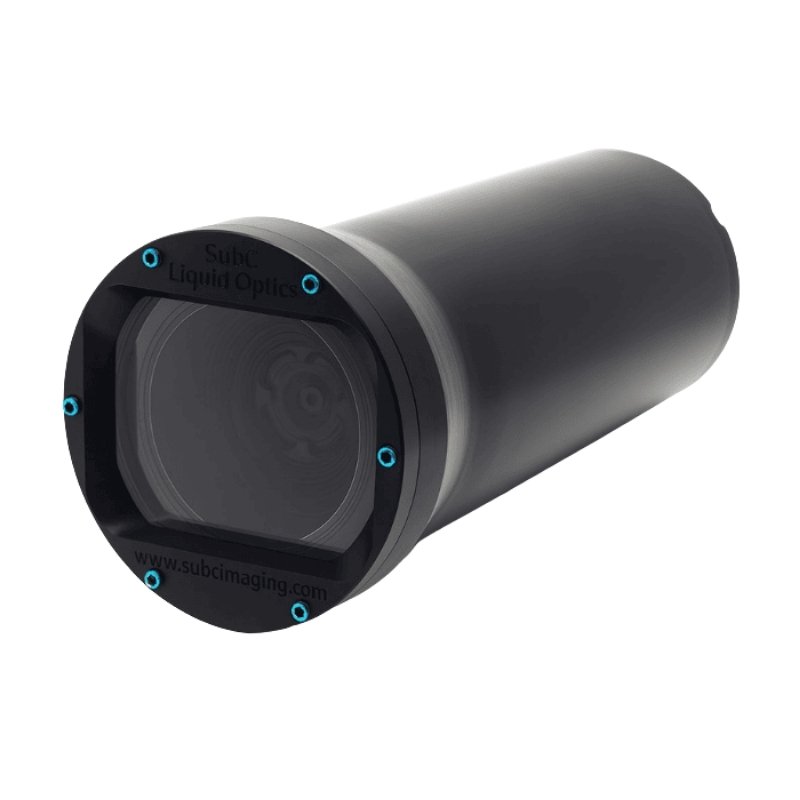
Rayfin Micro
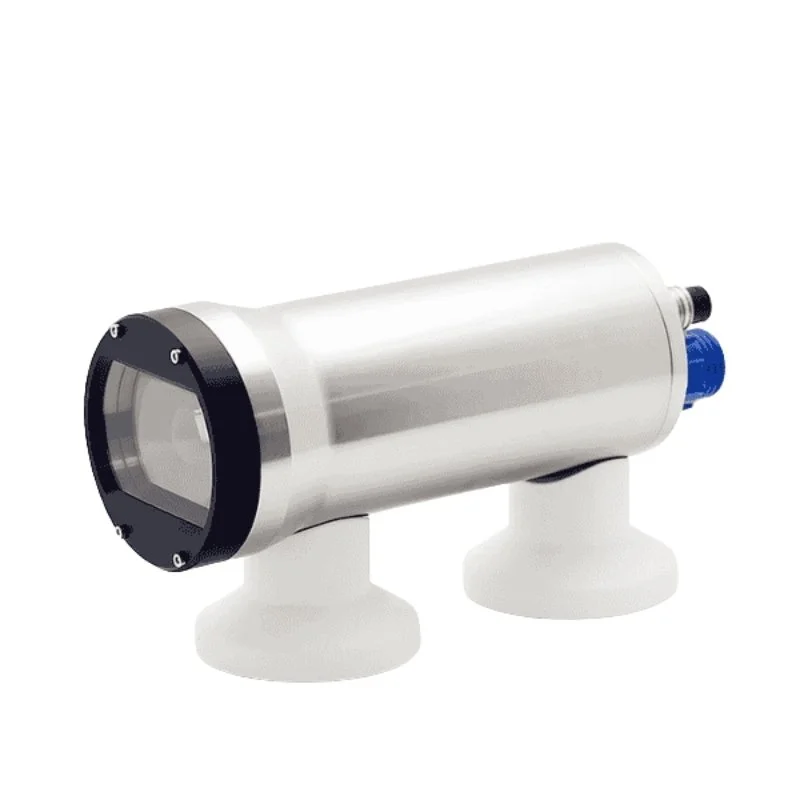
Rayfin Benthic
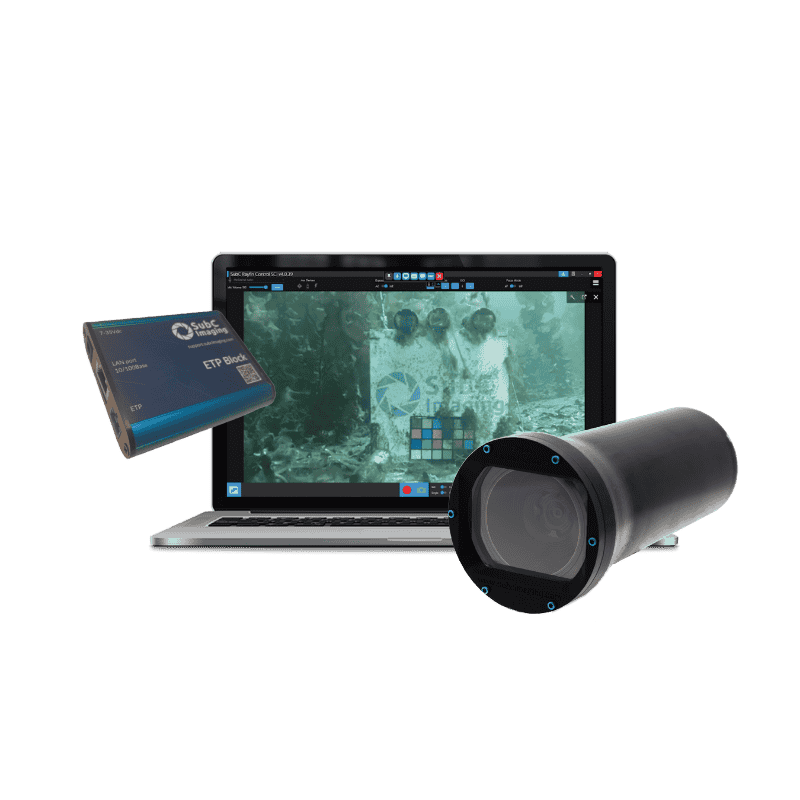
Rayfin Uplink
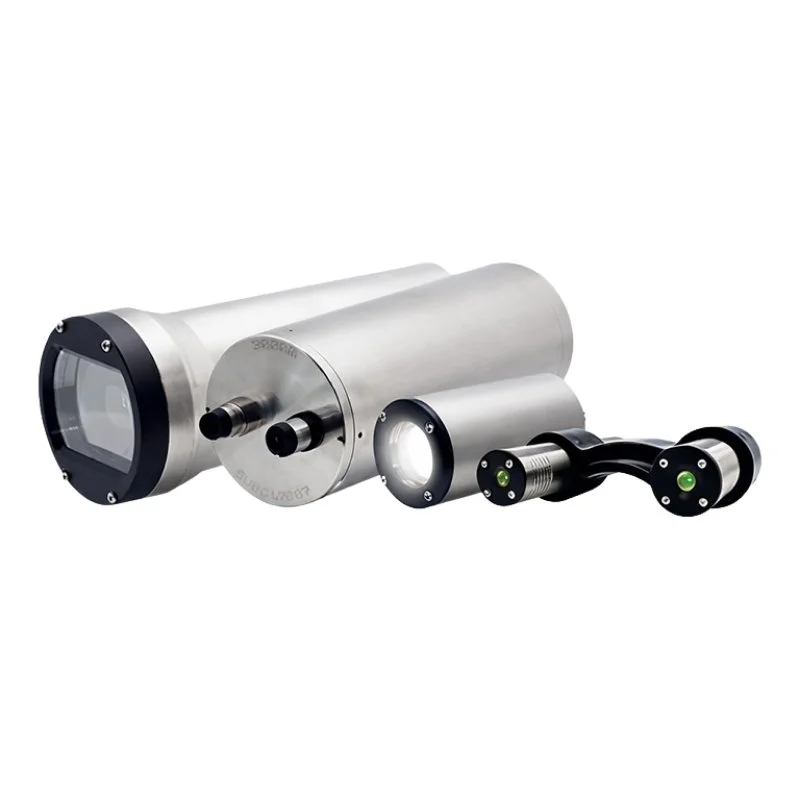
Autonomous Timelapse
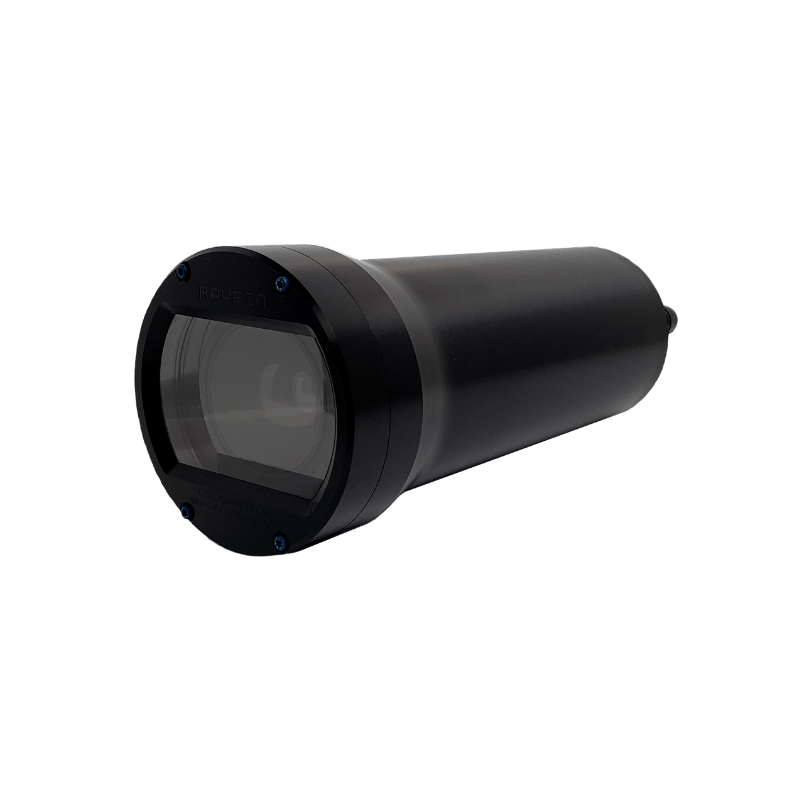
Rayfin Coastal
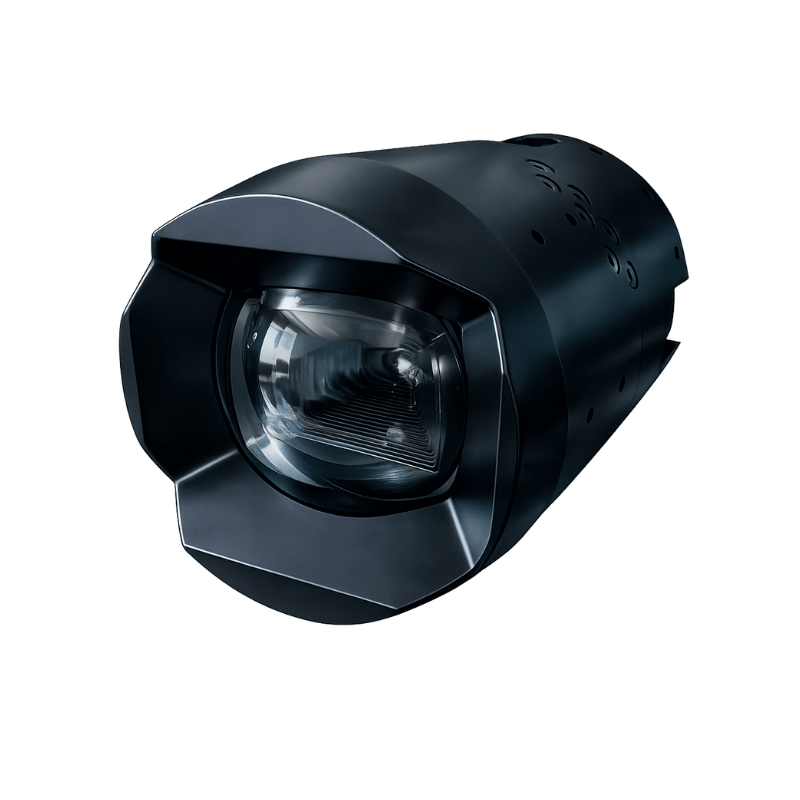
Rayfin Trench
One Rayfin Platform, Different Deployment Needs
The Rayfin line is not a simple “good, better, best” camera lineup. Each camera is designed around a different deployment reality.
Some users need a compact camera for a small ROV. Others need to modernize an older inspection vehicle, collect seabed imagery from a tow system, monitor the seafloor over time, or capture visual data at full-ocean depth. What stays consistent across the Rayfin platform is the imaging, recording, and data foundation for high resolution capture of HD, 4K and 12.3 megapixel digital stills. Every Rayfin camera includes SubC Imaging’s proprietary LiquidOptics technology to support the clearest underwater image capture.
Each camera also includes DVR+ software to support recording, event capture, offline review, and structured data export as part of the inspection or survey workflow. Rayfin cameras can be configured to support either internal storage or live topside data transfer, depending on the deployment. This gives teams flexibility in how they capture, store, and access visual data during inspection, survey, research, and monitoring missions.
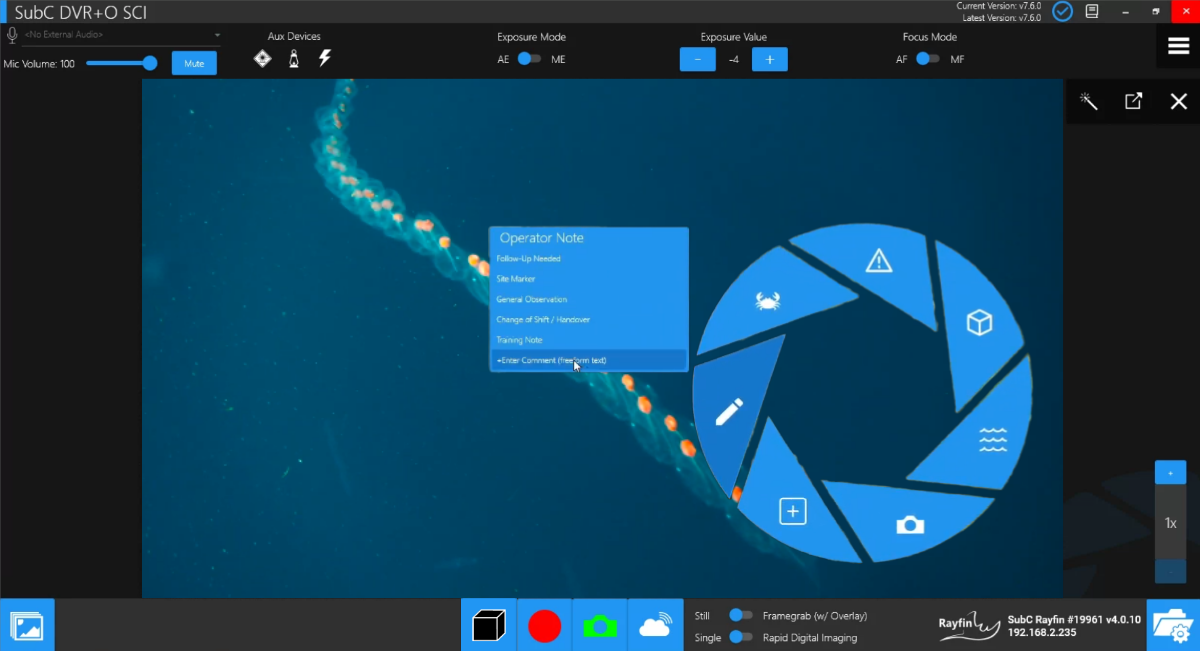
Rayfin cameras also support Rapid Digital Imaging (RDI), with an adjustable capture rate up to 2Hz, along with tilt, roll, and NMEA data logging. Images can be embedded with EXIF GPS-tagged, geo-referenced metadata, helping teams connect visual data with mission context.
For integrated systems, Rayfin cameras include auxiliary ports and integrated controls for lights, lasers, and sensors. This reduces costs and complexity as the cables for these devices come with the system. SubC has done the integration work and all controls are available in the included DVR+ software.
The decision is less about which Rayfin camera is “best” overall and more about which camera is best suited to the platform, depth, and mission.
Quick Rayfin Camera Comparison
| Camera | Best For | Depth rating | Why Choose It | Typical Deployment |
|---|---|---|---|---|
| Rayfin Micro | Compact underwater systems | 500m | Compact Rayfin camera for smaller platforms | Obs class ROVs, compact subsea systems |
| Rayfin Uplink | Quick low-cost upgrades to existing systems | 500m | You need HD, 4K or digital stills but don’t have fiber optics | Obs class ROVs, compact subsea systems |
| Rayfin Coastal | Shallow to mid-depth survey | 500m | Flexible camera for coastal, drop, and tow applications | Tow systems, drop systems, shallow-water platforms |
| Rayfin Benthic | Deep-sea inspection and research | 6000m | Most versatile model with broad depth and capabilities | ROVs, AUVs, observatories, landers, BRUV, autonomous |
| Rayfin Benthic - Autonomous Timelapse | Long-term monitoring | 6000m | Autonomous capture and low-power operation | Seabed observatories, environmental monitoring, research deployments |
| Rayfin Trench | Full-ocean-depth missions | 11km | Extreme-depth autonomous Rayfin imaging | Hadal landers, deep-ocean research platforms, seafloor landers |
Key Questions Before Choosing a Rayfin Camera
The right camera is not only defined by where it goes. It is also defined by how the data needs to be captured, stored, transferred, and used after the mission. Use these questions to check the operational details that may affect your camera choice.
Will an operator control the camera live?
For ROV inspection, live survey, and operator-guided work, teams often need real-time video, live control, and the ability to adjust imaging settings during the mission. All Rayfin models support live applications and come with a license for DVR+ Single Channel Inspection software. If more than one camera has to be recorded or controlled simultaneously, upgrades are available to two, four, six or more channels with a DVR+ license.
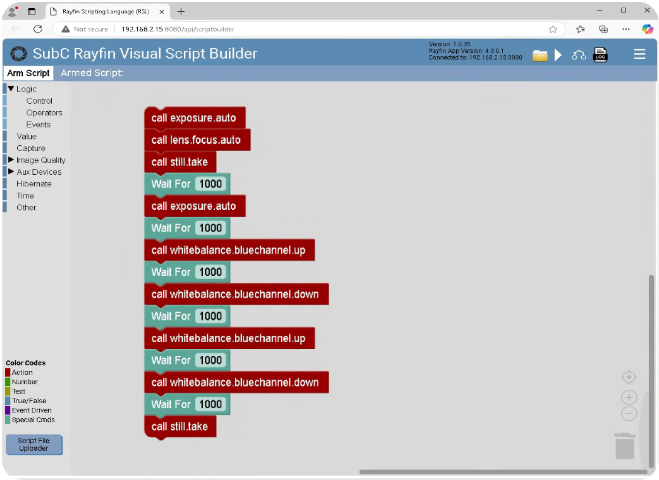
Above: Example of no-code script builder.
Does the camera need to capture data without an operator present?
For long-duration monitoring, lander deployments, or missions where no operator is present, autonomous capture becomes more important. In these cases, the camera system must follow a planned capture schedule and support reliable data collection without live supervision.
The Autonomous Timelapse System and Rayfin Trench are stronger fits when autonomous operation is central to the mission. These cameras are equipped with no-code scripting software to automate camera, sensor, light, and laser commands.
Will the data be stored on the camera or transferred topside?
Some deployments are built around internal storage, where image and video data is retrieved after recovery. Others need live topside data transfer during the mission.
Rayfin cameras can be configured to support either internal storage or live topside data transfer, depending on the deployment setup.
Are you working with existing vehicle infrastructure?
Infrastructure can be a deciding factor, especially for older ROVs. If a vehicle does not have Ethernet or fiber, a standard camera upgrade may not be practical without significant changes to the system.
Rayfin Uplink is designed specifically for legacy ROV upgrades where teams need to work with existing conductors.
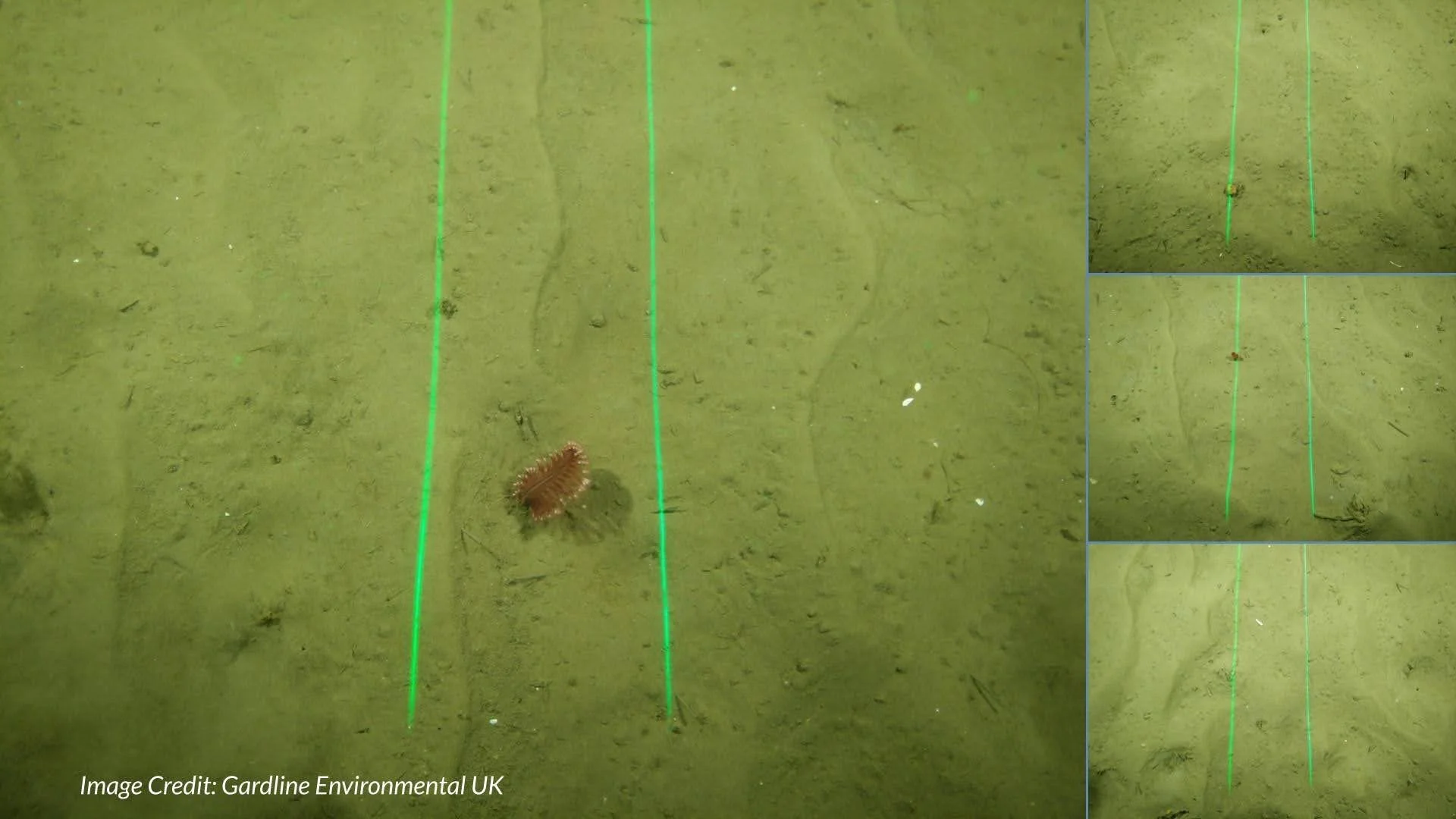
Above: Parallel lasers can help measure distance and scale.
Do you need to control more than the camera?
Many underwater imaging systems also need coordinated control of lights, lasers, and sensors. This matters when the goal is not just to capture footage, but to collect useful visual data with the right lighting, scale, and context.
Rayfin cameras include auxiliary ports and integrated controls for lights, parallel lasers, and NMEA sensors.
Do you need image data tied to mission context?
For survey, inspection, and research work, the image itself is often only part of the deliverable. Teams may also need position, orientation, and other metadata connected to the footage or still images.
Rayfin cameras support tilt, roll, and NMEA data logging, along with embedded EXIF GPS-tagged, geo-referenced images.
Are you collecting data over hours, days, months, or longer?
For long-term environmental monitoring or repeated observation of the same site, power management, storage, and scheduling become more important than live control.
The SubC Autonomous Timelapse System is designed for this type of deployment, where repeat image capture and long-duration monitoring are central to the mission. Read about the University of Western Australia’s 18-month unmanned deep-sea deployment.
Rayfin Camera Models
Each Rayfin camera is designed for a specific deployment reality. The differences become clearer when you look at the platform, depth, infrastructure, and mission requirements each model is built to support.
Rayfin Micro
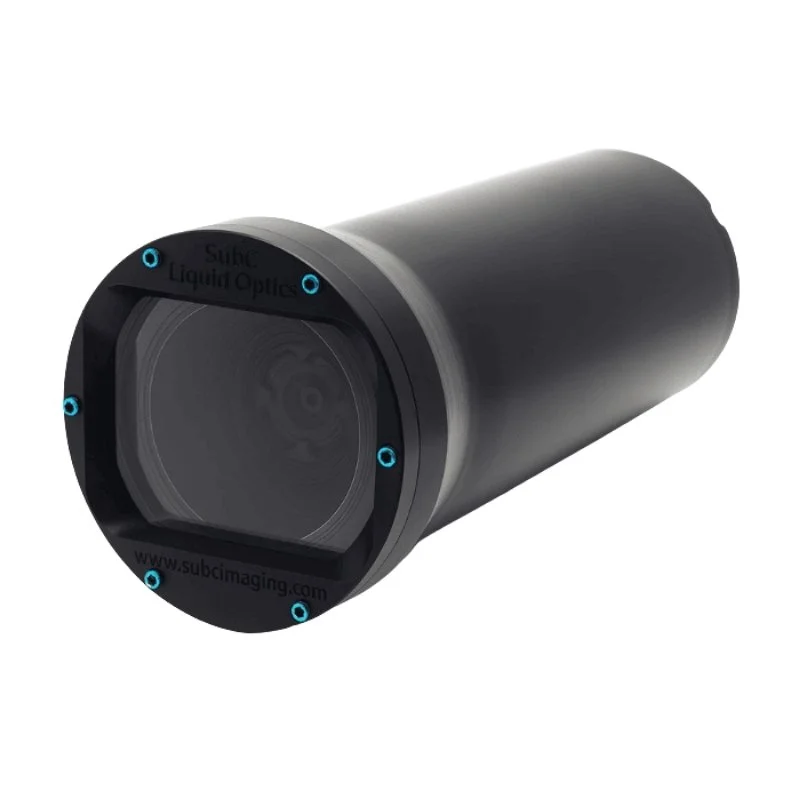
Best when: You need a compact Rayfin camera for a smaller ROV or space-constrained subsea platform.
Typical use cases: Small ROVs, compact inspection systems, shallow to mid-depth observation, and underwater platforms where size and weight matter.
What makes it different in the Rayfin line: Rayfin Micro is the smallest entry point into the Rayfin camera platform. It is built for teams that need Rayfin imaging capabilities in a more compact form factor, without moving to a larger camera designed for deeper or more specialized deployments.
Rayfin Uplink
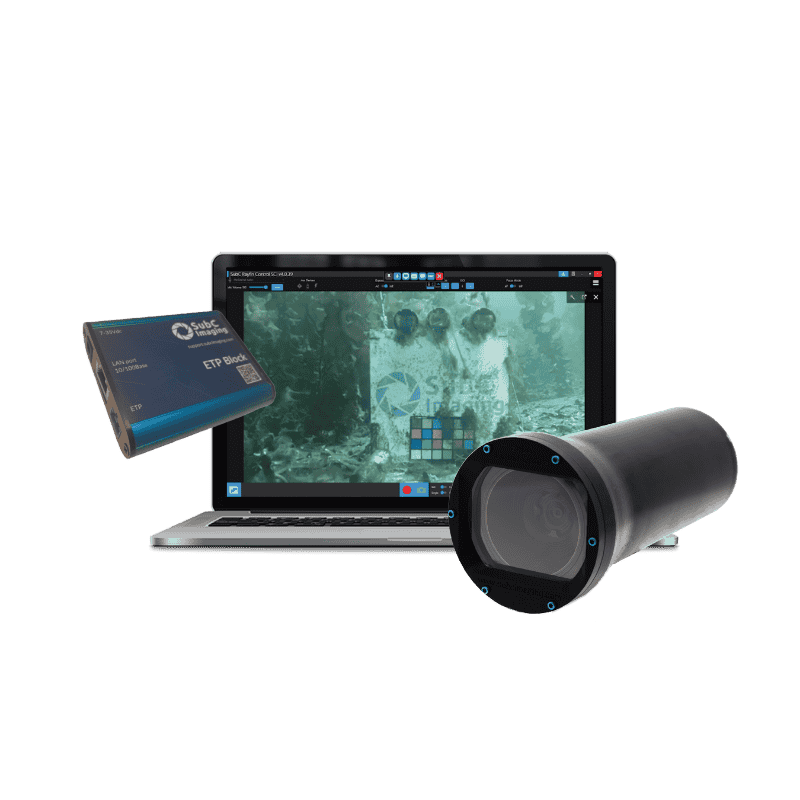
Best when: You want to add Rayfin imaging to an older ROV that does not have Ethernet or fiber available.
Typical use cases: Legacy ROV upgrades, retrofit projects, older inspection vehicles, and systems using existing twisted pair or coax infrastructure.
What makes it different in the Rayfin line: Rayfin Uplink is the retrofit-focused model. Its role is not just to capture underwater imagery, but to help operators modernize older ROV systems without taking on a major vehicle rebuild.
Rayfin Coastal
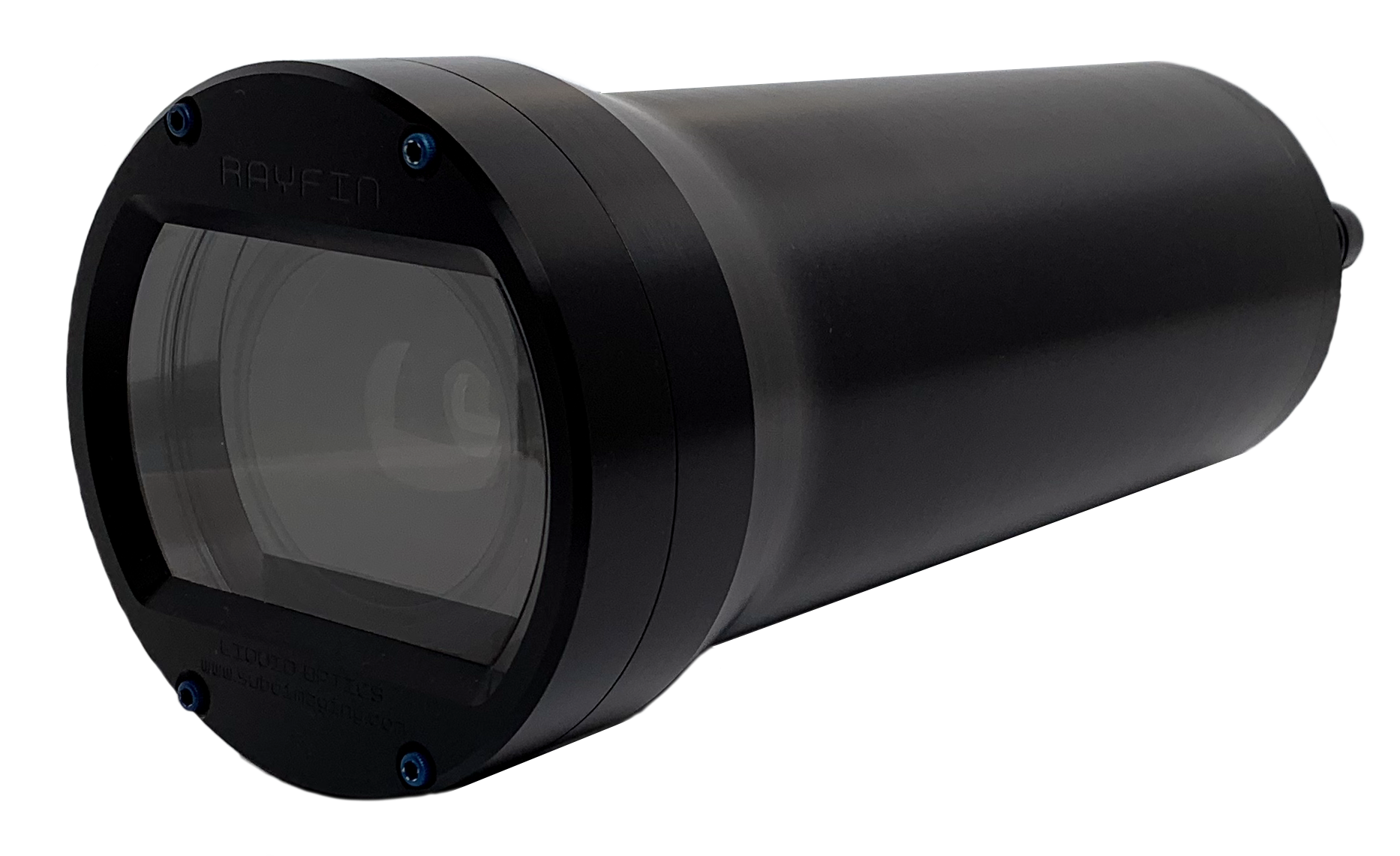
Best when:You need Rayfin imaging for shallow to mid-depth deployments where a larger deep-sea camera is not required.
Typical use cases: Drop camera systems, tow camera systems, coastal surveys, seabed observation, and shallow to mid-depth marine research.
What makes it different in the Rayfin line: Rayfin Coastal is the practical fit for flexible survey platforms. It gives teams the core Rayfin imaging, recording, and data capabilities in a camera suited to coastal, drop, and tow applications.
Rayfin Benthic
Best when: You need a deep-water camera that can support demanding inspection, research, or integrated subsea systems.
Typical use cases: Deep-sea ROV inspection, AUVs, landers, observatory systems, marine research, and offshore survey applications.
What makes it different in the Rayfin line: Rayfin Benthic is the versatile deep-water model. It is the stronger fit when teams need Rayfin imaging across a wider range of subsea platforms and operating environments.
Rayfin Autonomous Timelapse
Best when: You need to collect imagery over time without continuous live operation.
Typical use cases: Long-term environmental monitoring, seabed observation, marine science deployments, timelapse capture, and remote autonomous monitoring.
What makes it different in the Rayfin line: This camera is a configured system for repeat image capture, scheduled operation, and remote monitoring where power management and long-duration reliability are central to the mission.
Rayfin Trench
Best when: You need full-ocean-depth imaging for hadal or extreme-depth deployments.
Typical use cases: Hadal research, full-ocean-depth landers, deep-ocean observation, trench exploration, and autonomous deep-sea missions.
What makes it different in the Rayfin line: Rayfin Trench is the extreme-depth model. It is built for missions where pressure rating and autonomous reliability matter most because live adjustment is not possible once the system is deployed.
Need Help Matching a Camera to Your Deployment?
Every underwater mission has different requirements. Platform, depth, power, control, storage, and data needs all affect which camera is the right fit.
Tell us about your deployment, and SubC’s team can help recommend the best-fit Rayfin camera or integrated imaging system.
